User-friendly Employee Self-Service Portal for 24/7 HR Access
Simplified employee self service portal enabling your employees to manage their information, download pay slips, request time-offs, & more, with timely notifications.
An Employee Self-Service (ESS) portal is a digital platform that empowers employees to manage their HR-related tasks without relying on the HR department.
The ESS portal is a part of the Human Resources Management System (HRMS) that enables employees to access their salary details, request for leave, attendance, etc., request for reimbursements, and undertake other tasks related to their HR.
AI-powered ESS Portal
Employee Self Service Portal with AI-enabled features
Streamline administrative tasks with the assistance of HR chatbot and the power of AI
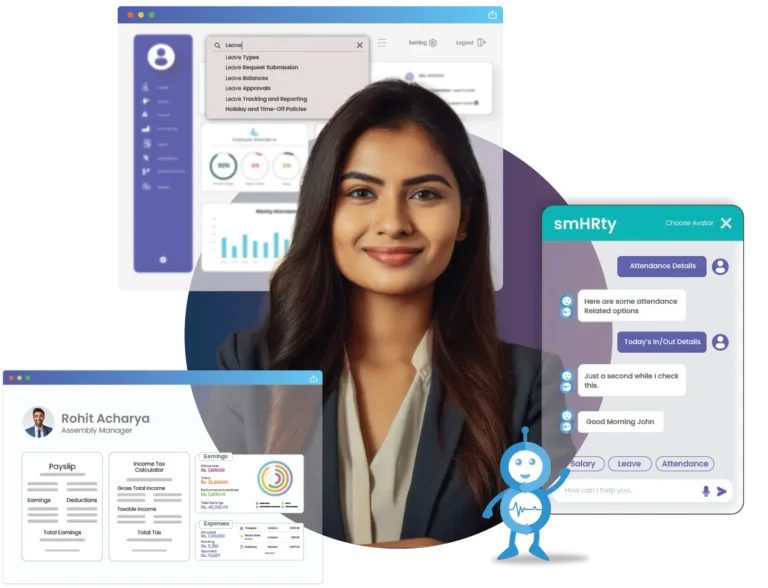
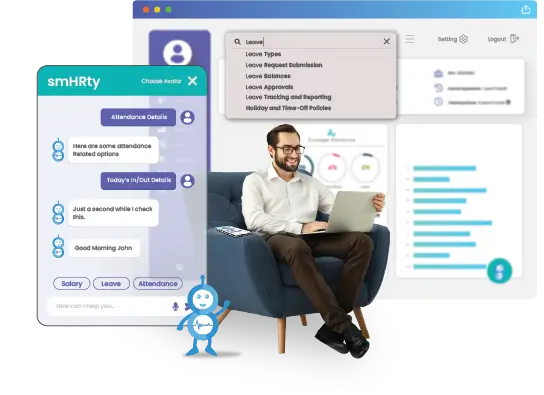
smHRty – AI Chatbot
AI-enabled interactive HR chatbot within the portal engages employees by answering their queries and helping them whenever required.
smHRt searcHR
AI-augmented global search option for virtually instant relevant results without any need to recall lengthy menu paths.
Personalized Dashboard
Customized dashboard and innovative layout to view information relevant to you right when you log into your system.
Smooth ESS with automated payroll
Custom ESS Portal with Simplified Access
A scalable ESS HRMS software for processing instant payroll without any intervention.
Role-based Portal
Different portal views and access levels maintain a unified experience across employee categories and designations.
Payslip & Worksheets
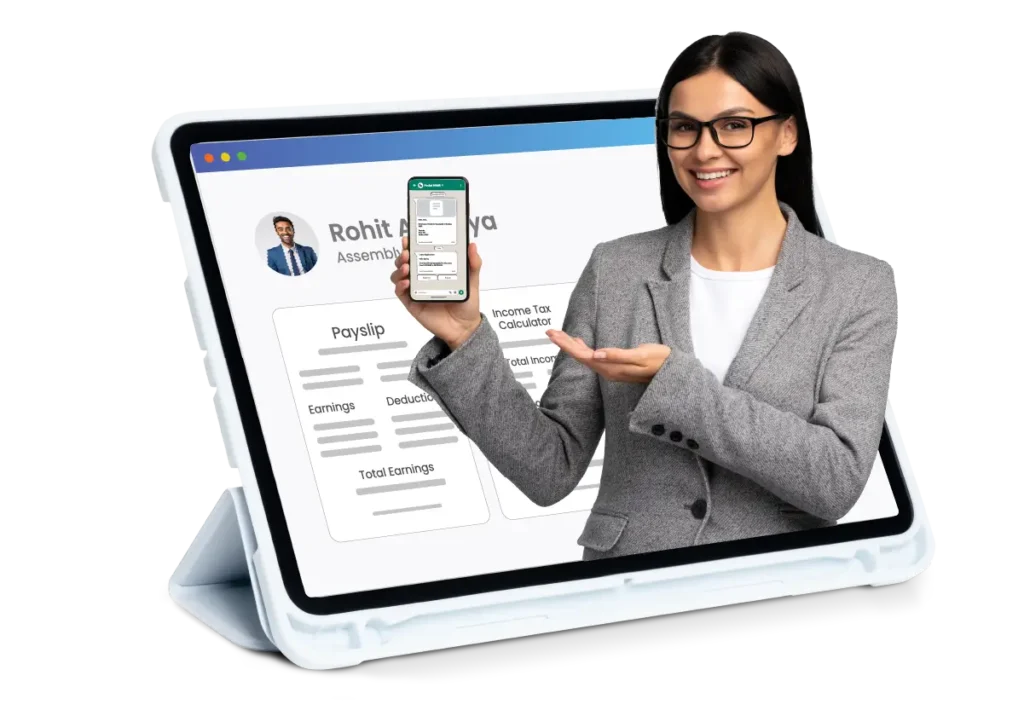
Download your latest payslip, worksheet, Form 16, and more directly from the portal using payroll software without disturbing HR or your administrator.
Tax Declaration & Computation
Dedicated tax calculator for old and new tax regimes to compute accurate taxes, ensuring complete statutory compliance using HRMS Payroll.
Mobile-friendly ESS app with 24* 7 remote access.
ESS with Robust Mobile Accessibility
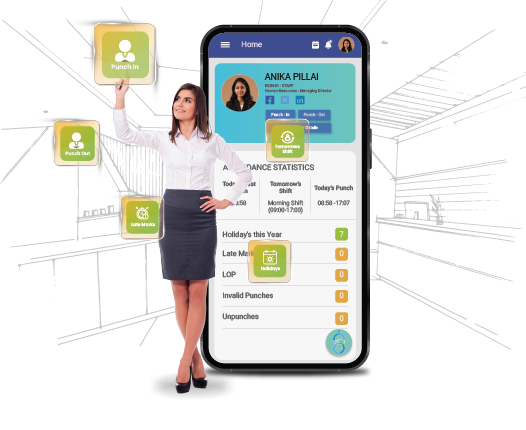
Round-the-clock remote access with dedicated Android & iOS apps for intuitive ESS.
Dedicated Mobile App
Round-the-clock remote access to your employment data with a dedicated smart app for both Android & iOS mobile app platforms.
WhatsApp Integration
Augment your self service portal for employees with WhatsApp Integration to enhance its functionality and improve your productivity.
HR Policies Section
A dedicated section for viewing and downloading essential HR guidelines to ensure compliance with company policies.
Powerful Features, Loved by Customers
Employee Documents Storage
Let your employees add their personal and professional details, like address, educational background, etc., along with important documents such as offer letter, appraisal letter, etc.
Leave Application and Approval
Empower your employees to apply for leave, check leave balances, and view their approval status with a few clicks, while their managers can approve the same from their employee self service portal.
Attendance Capture
Enable punch-in and punch-out through the ESS portal, making the process interactive and seamless for the employees, while ensuring complete attendance accuracy for HRs.
Payroll Details
Help your employees access their payroll information, such as monthly payslips, earnings, and deductions, including PF, YTD tax, company loan information, etc., without contacting HR.
Benefits Administration
Let your staff enroll in, review, and update their benefits, including health and insurance plans, retirement plan, related nominee details, etc., for streamlined benefits management.
Learning Programs
Help your employees upskill effectively with the ability to take certified, engaging learning sessions, with a dedicated progress tracker, quizzes, and assignments.
Top-Rated HR Software in India
Pocket HRMS is a leading HRMS software solution provider, recognized by top-notch review platforms like ‘G2‘ and ‘Software Suggest‘ for its revolutionary features.
#1 Choice of Industry Experts
Happy Clients
15+
Smart HRs
0+
Satisfied Users
0M+
“A truly customizable solution, Pocket HRMS exceeded expectations. It simplified our attendance & leave management through a highly intuitive interface.”
"Pocket HRMS enhanced our HR process security with efficient data management. The smHRt Payroll feature was a standout, completely streamlining our operations."
"Pocket HRMS delivers unparalleled payroll efficiency with its automation, accuracy, and insights, enhancing both salary and workforce management."
"Finding the perfect fit was easy with Pocket HRMS. Its customizable & all-encompassing features consolidated ur needs & eliminated multiple vendors."
"Pocket HRMS delivered an innovative, customized solution aligned with our values of innovation and growth, significantly reducing our HR workload."
“Streamlining our HR processes became easy with Pocket HRMS, which significantly enhanced efficiency & future-proofed operations with its scalable modules.”
The full form of ESS is Employee Self-Service. It is usually associated with the ESS portal, which is a platform where employees can view and manage their work details like attendance, leave, payroll, etc., raise requests, and engage in learning.
What is the ESS portal for tax?
The ESS portal provides you with information related to your payroll and taxes. It allows you to choose tax regimes, upload income proofs, submit investment declarations, as well as instantly download important documents like payslips, TDS declarations, Form 16, etc.
What is the ESS portal used for?
An ESS portal can be used for various functions like applying for time-offs, checking leave balances, tracking shift details, marking attendance, downloading payslips, updating personal and professional details, submitting proofs for travel and expenses, accessing learning programmes, etc.
What are the benefits of ESS portal?
There are various benefits of using a dedicated ESS portal for employees, like reduced HR workload, enhanced accuracy, and streamlined workflows. It also provides employees with 24/7 remote access to their employment records.
Can I integrate ESS with HRMS Software?
Yes, you can integrate ESS with HRMS Software. In fact, most HRMS software already provides a dedicated ESS portal as a part of their feature set, enabling HR teams and employees with quick remote access to their data.
How secure is an ESS portal?
ESS portals are highly secure as they deal with sensitive employee data, including their personal information, payroll, and tax details. Modern ESS portals provide multi-layer security with 256-bit encrypted storage, secure access control, multi-factor authentication, and more.
How to access payslip on ESS?
While the exact steps to access your payslip on the ESS portal vary by the software vendor, here are the common steps:
Log into the ESS portal.
Access the ‘Salary’ section.
Select the ‘Payslips’ section and choose the relevant month.
View the payslip and click on the ‘Download’ button.